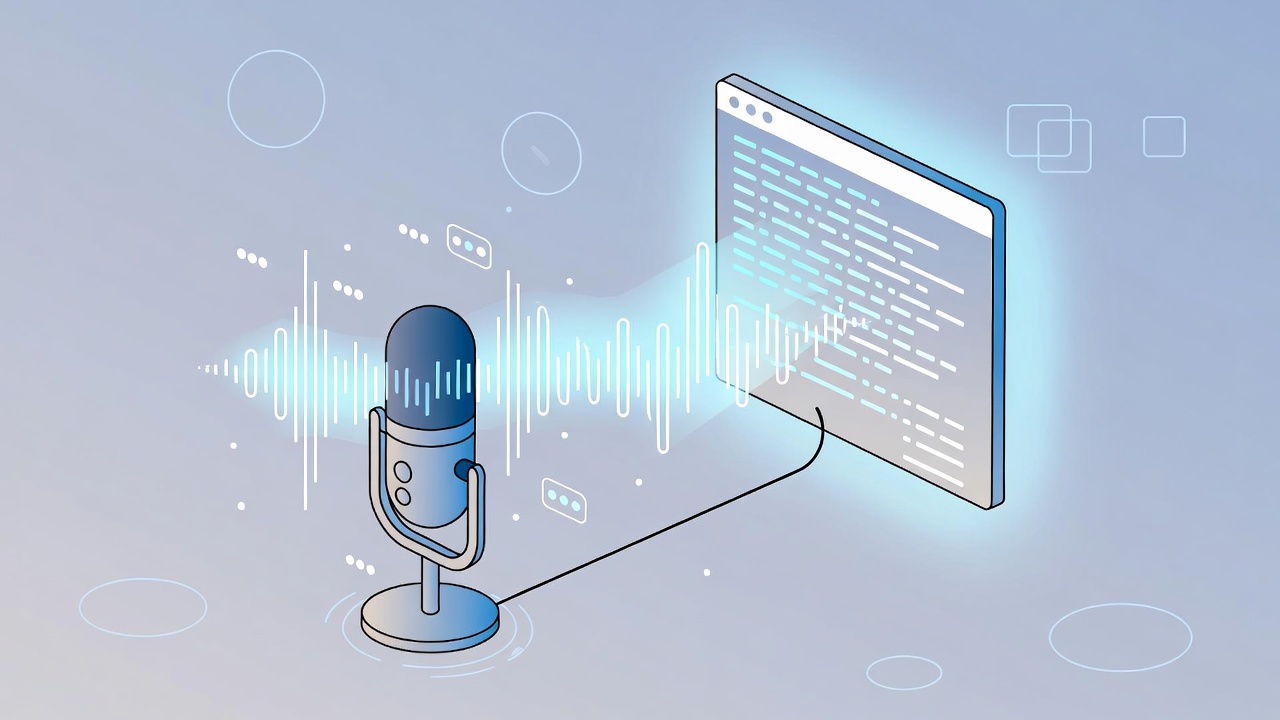
Typing on keyboards can be slow and tiring, especially for long documents or messages. A voice to text generator lets you speak naturally and converts your words into written text instantly. This technology saves time and makes communication easier for students, professionals, and everyday users.
What Is a Voice to Text Generator?
A voice to text generator is software that converts spoken words into written text automatically. You simply speak into a microphone, and the tool types what you say in real-time.
These generators work on smartphones, computers, and tablets. For example, you can dictate a text message while driving, create meeting notes by speaking instead of typing, or write blog posts using just your voice. The technology recognizes natural speech patterns and punctuation commands.
How Does a Voice to Text Generator Work?
Voice to text generators use speech recognition technology powered by artificial intelligence. When you speak, your voice creates sound waves that the software captures through a microphone.
The AI analyzes these sound waves and matches them to words in its database. Modern generators use machine learning, which means they improve over time by learning from millions of voice samples. They understand different accents, speaking speeds, and languages.
The AI also uses context to choose the right word. For example, it knows whether you mean “write” or “right” based on your sentence. Most generators today achieve 85-95% accuracy for clear audio in quiet environments.
Benefits of Using a Voice to Text Generator
Voice to text generators offer practical advantages for daily use:
- Time-saving: Speak 3x faster than typing—150 words per minute compared to 40-50 words when typing
- Hands-free operation: Create content while cooking, exercising, or doing other activities
- Reduced physical strain: Prevents finger fatigue, wrist pain, and repetitive strain injuries from typing
- Better accessibility: Helps people with disabilities, vision impairments, or mobility challenges
- Increased productivity: Draft emails, reports, and documents quickly without typing
- Natural expression: Speak thoughts naturally instead of struggling with keyboard layout
- Multitasking capability: Capture ideas while working on other tasks simultaneously
Common Uses of Voice to Text Generator
Voice Notes and Reminders: Quickly capture ideas, to-do lists, or grocery lists by speaking instead of typing on small phone keyboards.
Text Messages and Emails: Send WhatsApp messages, texts, or emails hands-free while multitasking or when your hands are occupied.
Students: Transcribe lecture recordings into study notes, complete assignments faster, and create research documents efficiently.
Meeting Documentation: Record and transcribe business meetings, team discussions, or client calls for accurate written records.
Content Writing: Bloggers, journalists, and writers draft articles by speaking their thoughts, then edit the text for publication.
Accessibility: People with dyslexia, arthritis, carpal tunnel syndrome, or other conditions can communicate effectively without typing.
Language Learning: Practice pronunciation and see written feedback by converting spoken foreign language practice into text.
Is a Voice to Text Generator Free and Safe?
Many voice to text generators are available for free with good quality. Built-in features on smartphones and browser-based tools offer basic transcription at no cost.
Safety considerations:
- Most tools process your voice through online servers, which may raise privacy concerns
- Reputable generators follow data protection policies and delete recordings after processing
- Avoid dictating sensitive information like passwords, bank details, or confidential business data
- Browser-based tools are convenient but send data to external servers for processing
For maximum privacy, use offline generators or built-in device features that process voice locally. Always read privacy policies before using new tools, especially for professional or sensitive content.
Free versions typically work well for personal use, with limitations on file size or monthly minutes. Paid versions offer advanced features like higher accuracy and unlimited transcription.
Voice to Text Generator vs Manual Typing
Speed: Voice generators are significantly faster. You can speak 150 words per minute naturally, while average typing speed is 40-50 words per minute. This means you create content 3x faster using voice.
Accuracy: Modern typing is generally 98-99% accurate for practiced typists. Voice generators achieve 85-95% accuracy depending on audio quality, accents, and background noise. However, voice requires less proofreading for typos.
Physical effort: Typing requires constant finger movement and correct hand positioning. Voice generation needs minimal physical effort—just clear speaking. This reduces strain on hands and wrists significantly.
Best use: Typing works better for technical content with special characters, code, or complex formatting. Voice generators excel for drafting long-form content, emails, notes, and conversational text.
For most everyday tasks, voice generators offer faster, easier content creation than manual typing.
Conclusion
A voice to text generator transforms how you create written content by letting you speak instead of type. Students can transcribe lectures, professionals can document meetings, and bloggers can draft articles faster. Try using voice generation for your next project and experience hands-free productivity.
FAQs
Q: What is the best voice to text generator?
A: Popular options include Google Docs Voice Typing, smartphone keyboard dictation (Gboard, SwiftKey), and dedicated apps like Otter.ai. Built-in device features work well for most users.
Q: Can I use a voice to text generator in different languages?
A: Yes, most generators support 50-100+ languages including English, Spanish, French, Hindi, Arabic, Chinese, and more. Select your preferred language in settings.
Q: Does a voice to text generator work offline?
A: Some generators offer offline modes after downloading language data, but most require internet connection for AI processing. Check your specific tool’s capabilities.